
Send to all your loved ones at once
Pick a photo once and it lands on every frame you’re connected to: the living room, the kitchen, wherever they keep it.
- GrandadKitchen
- MumLiving room
- Auntie PriyaHallway
- NanaBedroom
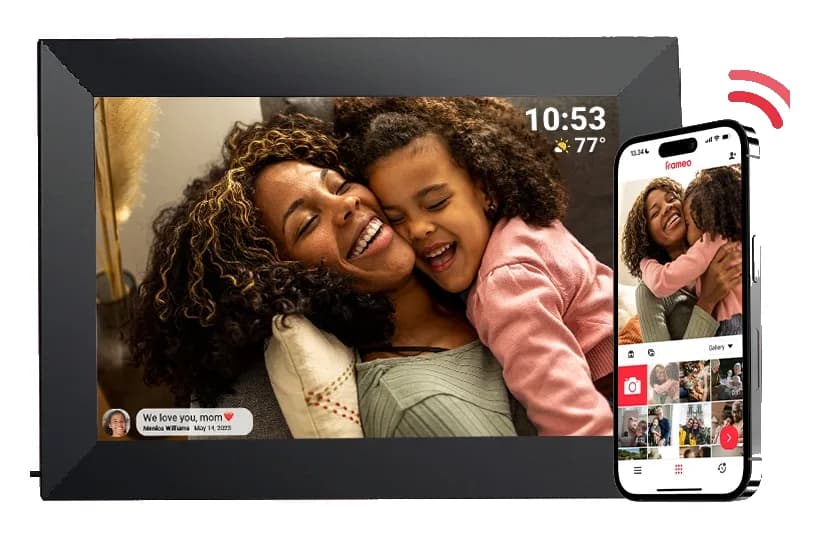
Their photos, on their table, the moment you send them
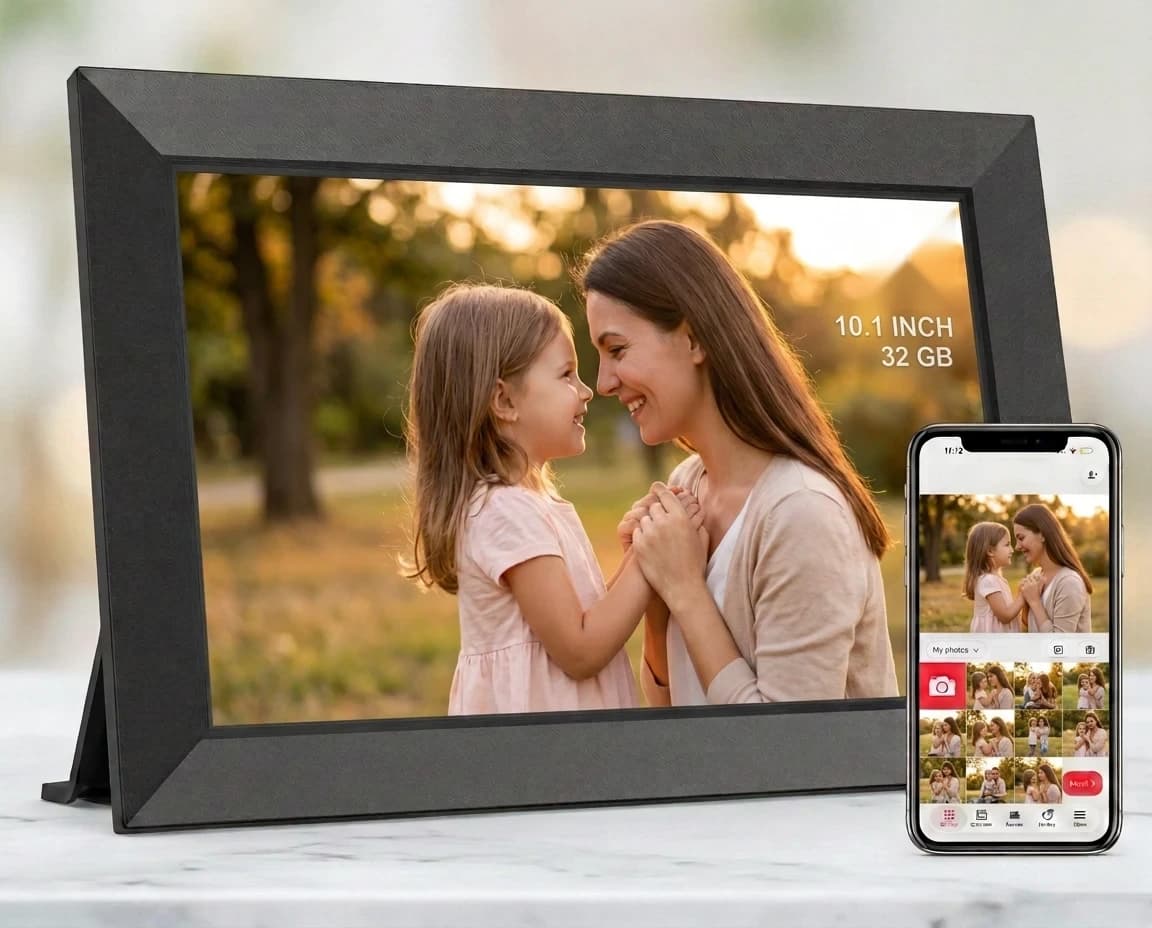
Send photos and short videos from your phone, wherever you are. They appear on the frame in seconds, with no cables or cards.
Made for the people you miss
Their favourite people, right on the sideboard
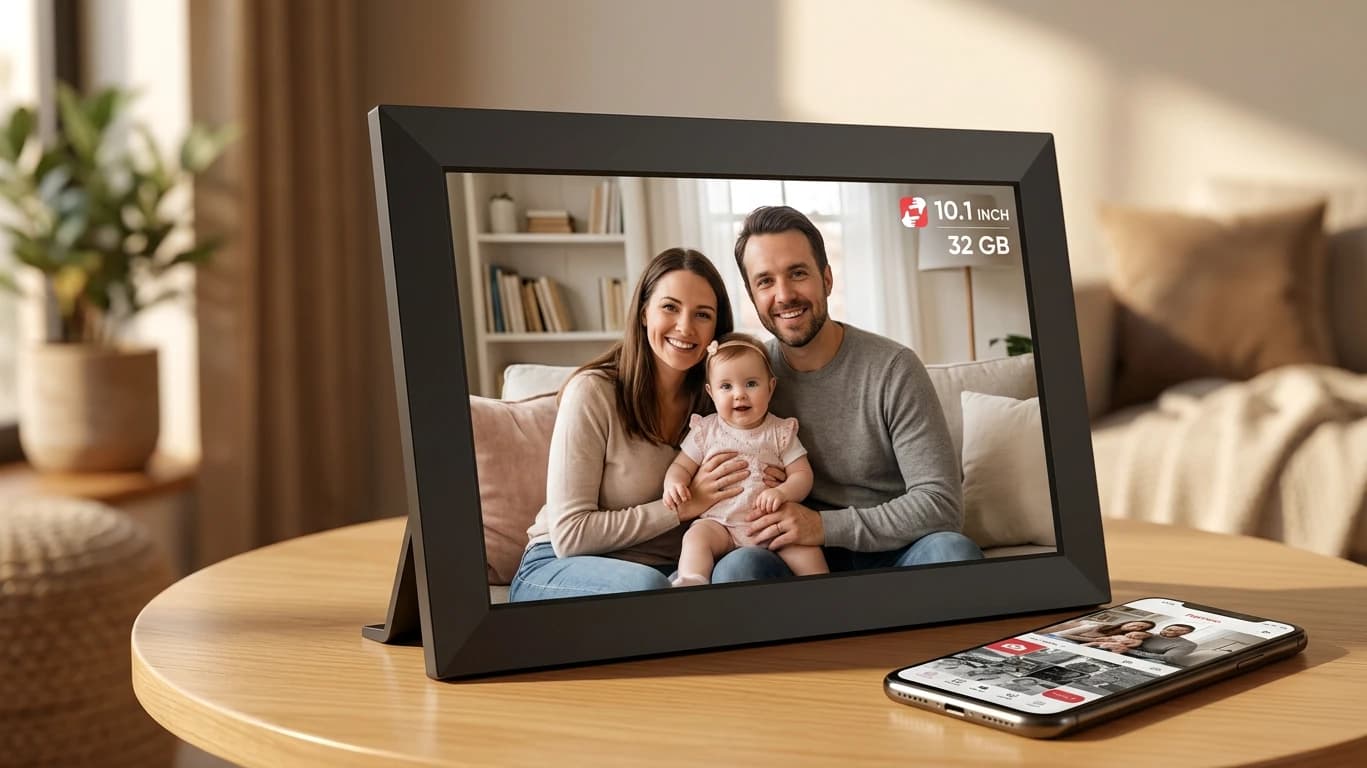
A Wi‑Fi photo frame that fills with photos and videos sent by the family, from anywhere in the world. Simple enough for anyone, and a thoughtful gift for parents and grandparents.
- Nothing to learn: it just plays
- The person receiving it doesn’t need a smartphone
- No monthly fee
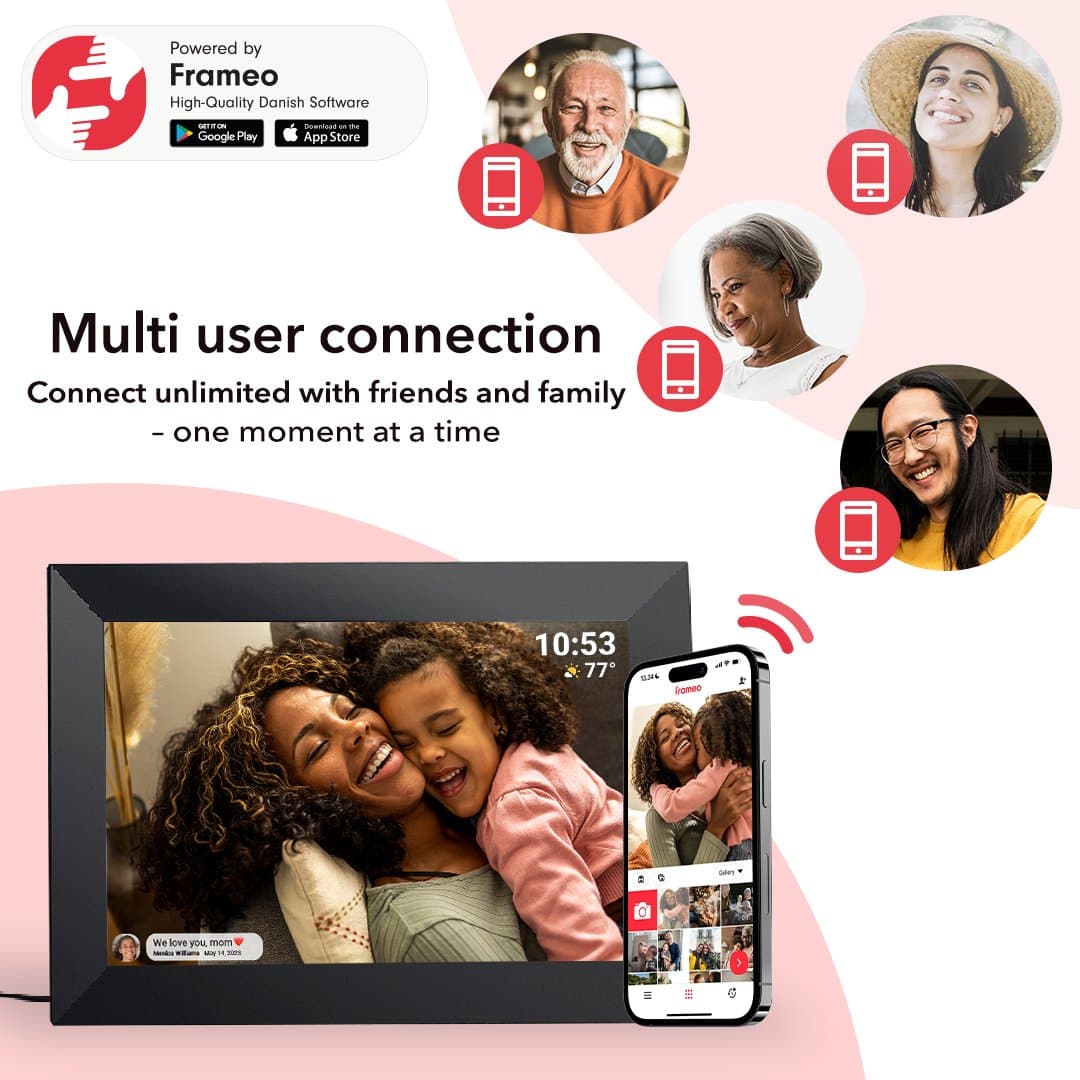
Send from anywhere, in seconds
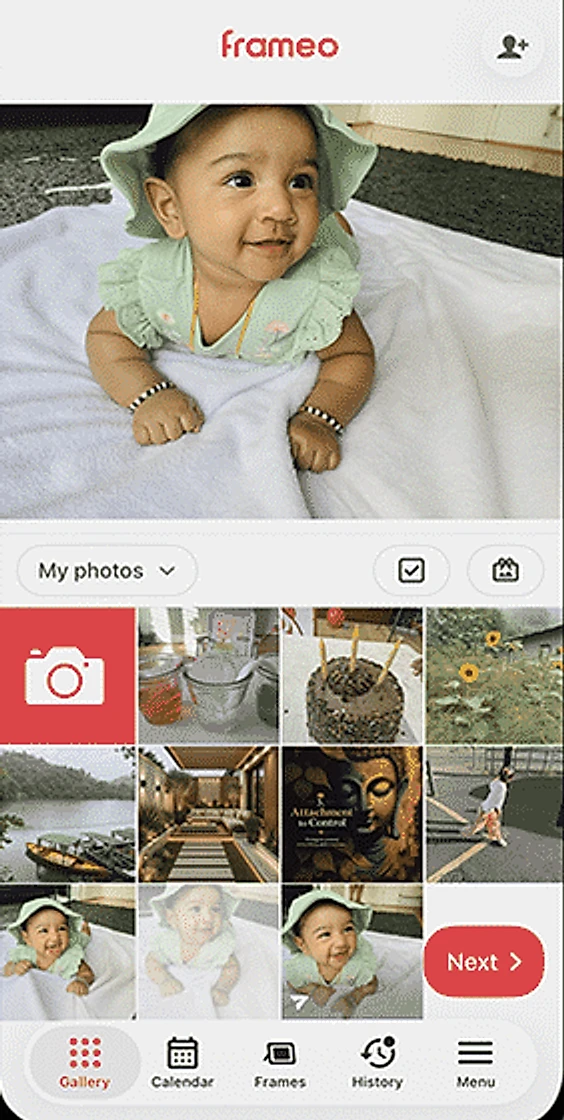
Family open the free Frameo app, choose photos or short videos and tap send. They’re on the frame moments later, whether you’re down the road or across the world.
- Works on iPhone and Android
- Send to several frames at once
- Up to 10 photos or 15-second clips in each send
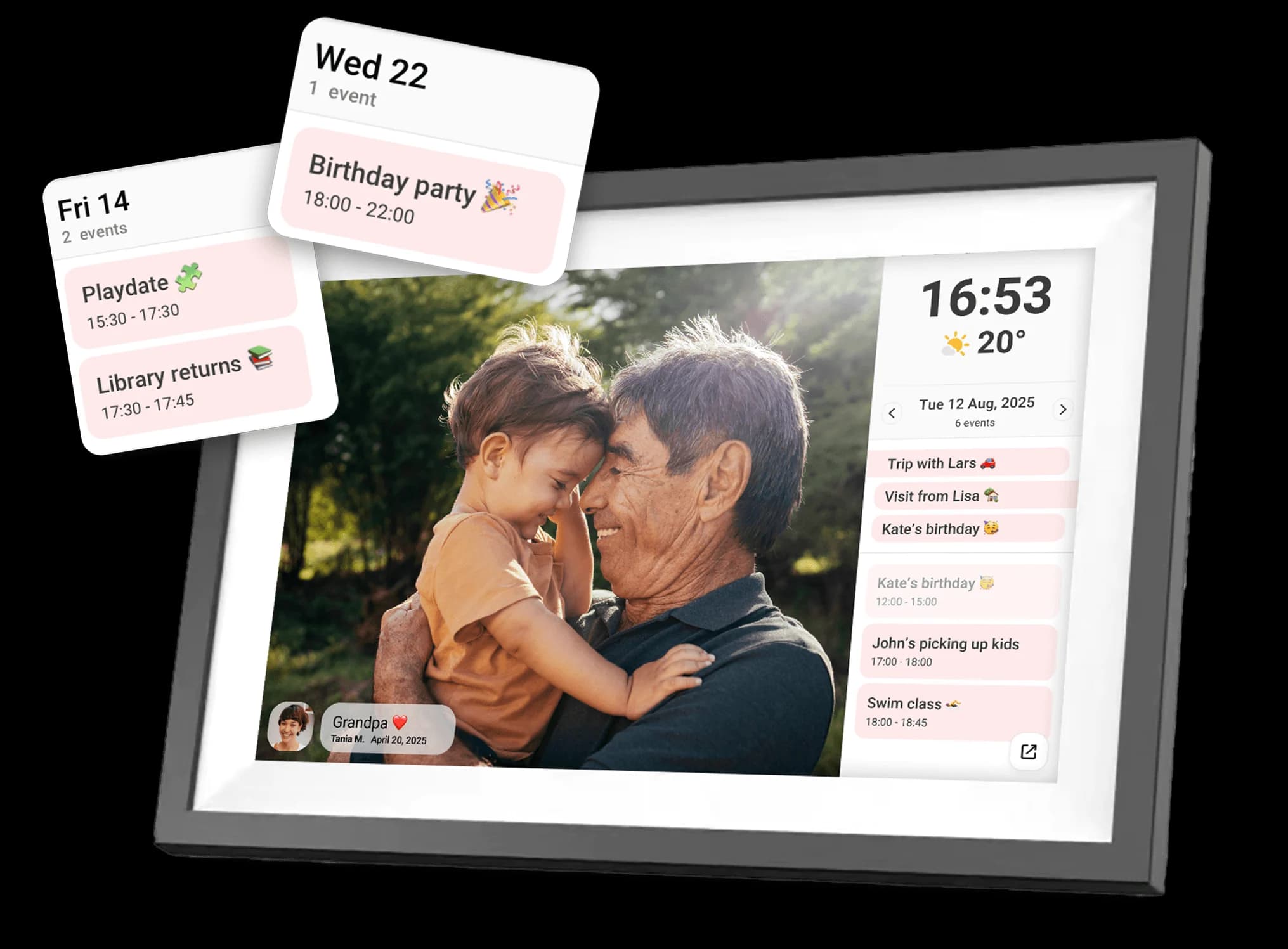
A caption, a heart, a hello
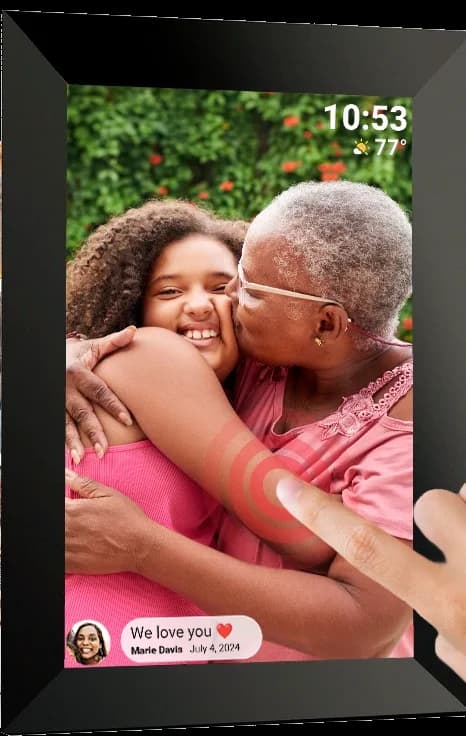
Add a few words and they appear on the photo with your name. When they tap the heart, you’re told it made them smile.
- Captions show with your name and the date
- A clock and the weather between photos
- Likes come straight back to the app
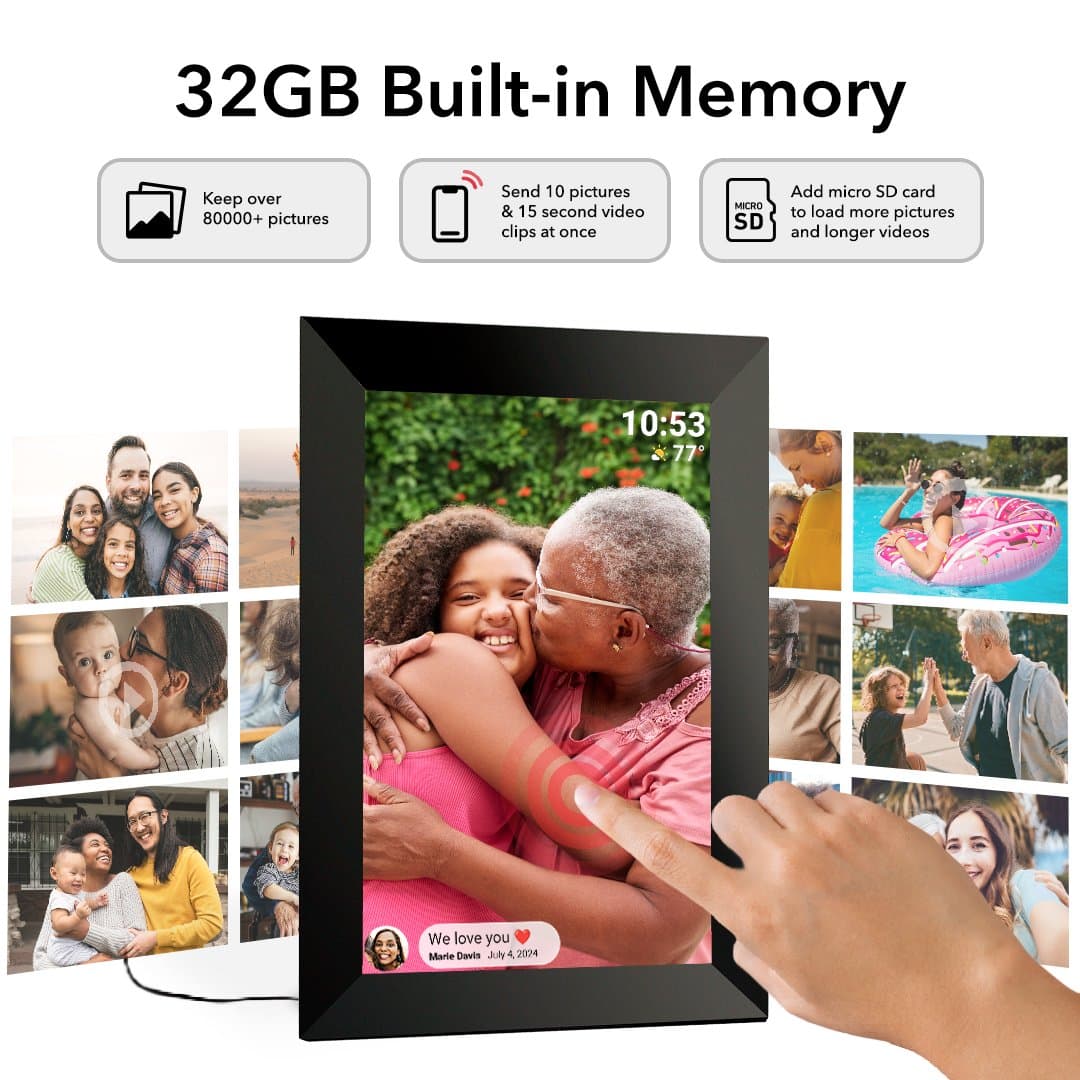
Simple enough for anyone
A 10.1-inch IPS touchscreen at 1280 × 800. Swipe back to a favourite, tap to pause, and stand it upright: photos turn to fit.
- On a shelf or the wall, landscape or portrait
- 32 GB built in, plus microSD for more
- Mains powered, with the adapter in the box
How to set it up
- 1
Plug it in
Plug the frame in, choose your language and connect to the home’s Wi‑Fi (2.4 GHz). It takes a couple of minutes.
- 2
Get the app
Everyone who wants to send photos installs the free Frameo app from the App Store or Google Play.
- 3
Connect with a code
On the frame, tap Add friend to show a code. Type it into the app and the frame is linked to that phone.
- 4
Send photos
Pick photos or short videos in the app and send. They play on the frame as a slideshow.
Getting the most from it
Add someone new
Tap Add friend on the frame for a fresh code whenever another family member wants to join.
Sleep overnight
Set a sleep schedule in the frame’s settings so the screen turns off at night and back on in the morning.
Hide or remove a photo
Swipe to the photo, open the menu and hide it from the slideshow or delete it from the frame.
Say something
Type a caption before you send. It shows along the bottom of the photo with your name.
Load photos from a card
Pop in a microSD card (up to 32 GB) and import photos straight onto the frame, no phone needed.
Want more? Frameo+
An optional paid upgrade from Frameo adds cloud backup, 2-minute videos and up to 100 photos at once.
Private by design
Photos travel over a private, secure connection between the app and the frames you’ve connected to, and nowhere else. Frameo is built to meet GDPR and the UK’s PSTI product security law, and is independently assessed by Intertek.
No matter the distance
Set it up, wrap it with a gift note, and keep the photos coming long after the day itself.
Buy the frame